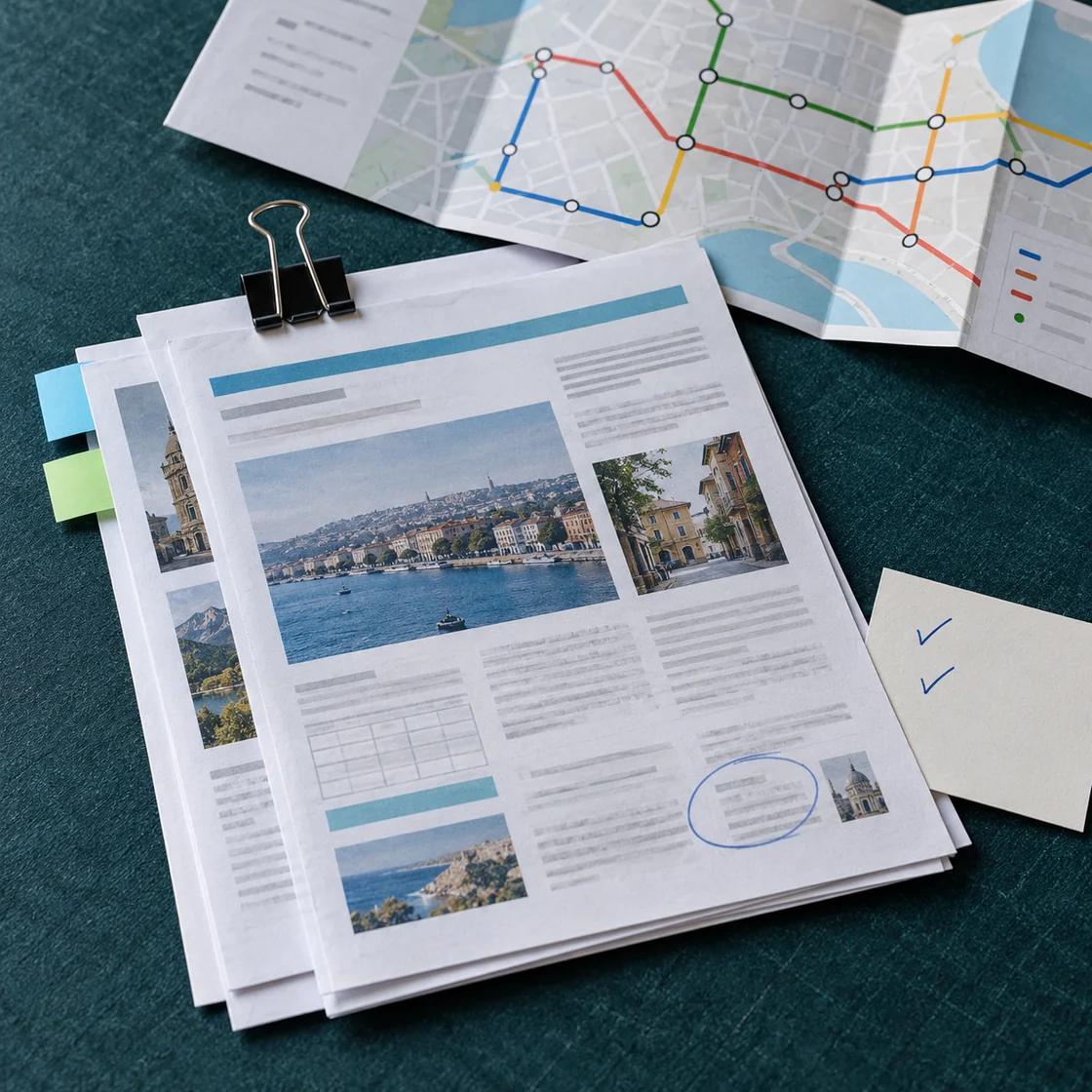
Turn preferences into a trip brief
Give ChatMore destination options, dates, budget range, group size, pace, interests, accessibility needs, and fixed commitments. Ask for missing questions before building the itinerary.
An example brief
- 01 · InputBring context
A three-day trip, arrival time, budget, and preferred pace
- 02 · RequestAsk a focused question
Group nearby stops, leave breaks, and list booking details that need checking.
- 03 · CheckReview the result
Verify opening times and travel connections with current official sources.
Build a realistic itinerary
Group activities by area, allow travel and rest time, and keep optional items separate. Ask for assumptions and details requiring verification instead of treating a generated plan as a confirmed schedule.
Research current information
Use web search to find current official pages for entry rules, transport, opening hours, closures, and local guidance. Ask ChatMore to cite sources and distinguish confirmed facts from suggestions.
Prepare for changes
Create wet-weather alternatives, low-energy options, a packing checklist, and questions to verify before departure. Keep booking decisions and safety-critical checks with official providers.
Use screenshots without treating them as live facts
Send screenshots of bookings, maps, or saved ideas for organization. Ask ChatMore to extract visible details, then verify times, prices, addresses, entry rules, and availability with official sources.
When this workflow helps
- Weekend itineraries
- Multi-city planning
- Travel budgets
- Packing and preparation
Prompts to try
Act as a careful travel planner. Ask me about dates, budget, travelers, pace, interests, accessibility needs, and fixed plans before creating an itinerary.
Create a [number]-day itinerary for [destination]. Group activities by area, include travel and rest time, and label anything that needs current verification.
Research current official information for this trip. Separate confirmed facts, likely options, and unknowns. Link to official sources for entry, transport, and opening-hour checks.
Build a travel budget with ranges for transport, accommodation, food, activities, and contingency. Do not invent live prices; list what I need to check.
Create a packing list for [destination, dates, activities]. Group essentials, weather-dependent items, documents, health needs, and optional extras.
Review this itinerary for rushed days, excessive travel, missing reservations, accessibility problems, and weak backup plans. Suggest a calmer version.
Analyze this travel screenshot. First list only visible details and unknowns. Then create a verification checklist with official sources I should open before booking.
Try the workflow on your iPhone.
Open ChatMore with a question, a draft, or a screenshot. Check the result, then refine it for your task.
Download ChatMoreCommon questions
Can ChatMore create a travel itinerary on iPhone?
Yes. Give ChatMore your dates, destination, budget, pace, interests, and constraints. It can organize a draft itinerary and highlight details that need checking.
Can ChatMore check current travel information?
ChatMore can use live web search for current context and source links. Confirm safety-critical rules, prices, availability, and bookings with official authorities and providers.
Does ChatMore book flights or hotels?
ChatMore helps research and plan. Complete purchases and verify final terms through the relevant airline, hotel, booking provider, or official website.
Can I use screenshots while planning a trip?
Yes. ChatMore can organize visible details from booking, map, or inspiration screenshots. Verify live prices, times, rules, and availability with official sources.
Sources and product details
ChatMore publishes this guide. Product features, availability, limits, and prices can change; consult the current official information before choosing a plan.
- ChatMore on the App Store
- U.S. Department of State: International Travel Checklist