An AI chat app for the questions that start on your phone.
Use ChatMore to draft a reply, explain a topic, organise notes, or consider a decision with the context you supply. Start with a question, then add images, screenshots, current web context, or a focused assistant when the task needs more than plain chat.
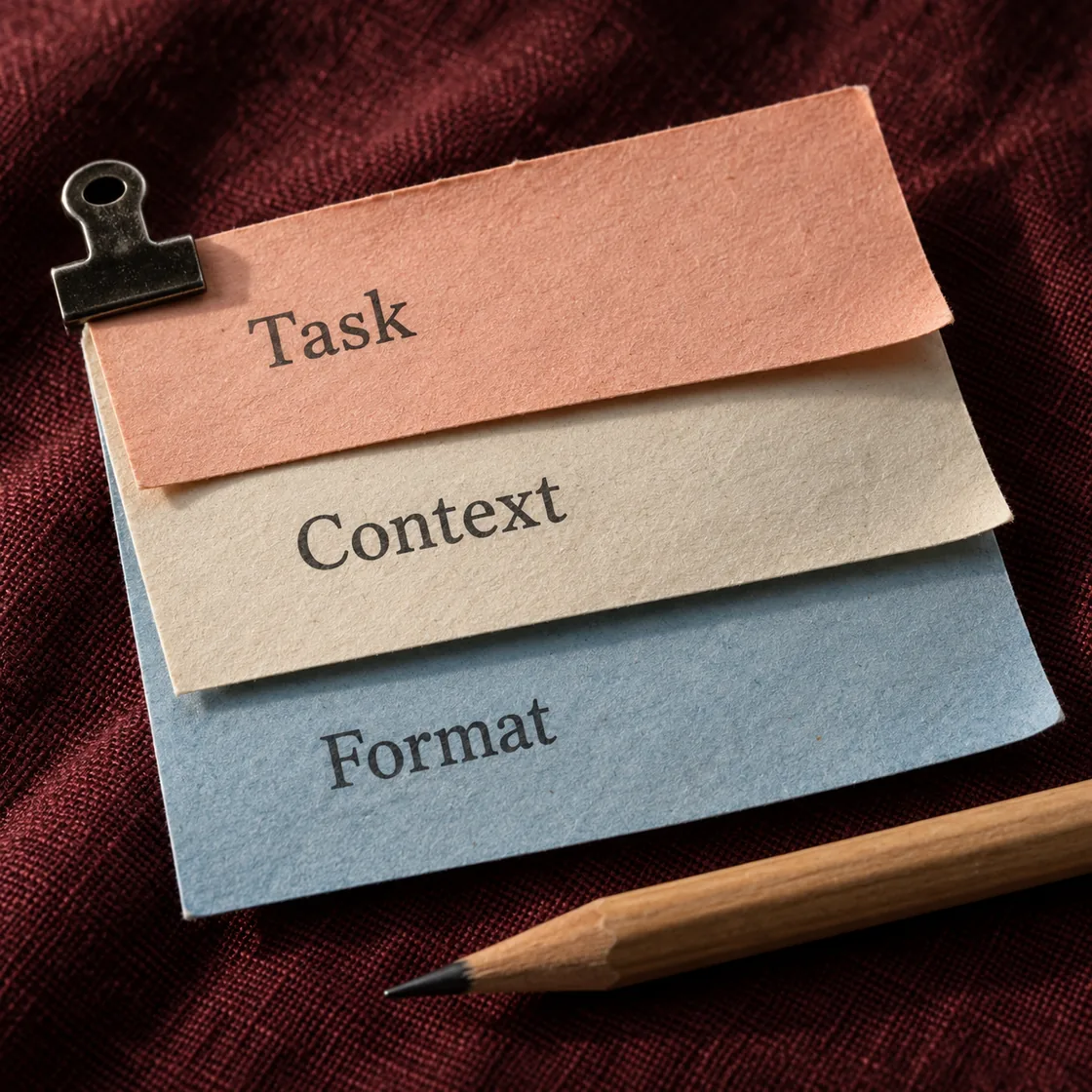
An example brief
- 01 · InputBring context
A photo of an unclear assembly step
- 02 · RequestAsk a focused question
Describe the visible parts and ask one question about the missing context.
- 03 · CheckReview the result
Match the answer to the original instructions before assembling.
Start with a real question. Get a usable next step.
ChatMore is built around the mobile chat moments that support everyday tasks: writing, learning, research, code, images, and screenshots.
Ask a question and keep moving
Use ChatMore to clarify a confusing topic, turn messy notes into a plan, draft a reply, or get a decision framed in plain English.
Bring in web context
Ask for current information, comparisons, sources, product checks, or research summaries.
Ask about what you see
Upload a screenshot, chart, image, or note and ask ChatMore to explain what matters.

The AI chat jobs people repeat every day.
Draft, rewrite, and reply
Write emails, captions, bios, messages, summaries, and polished replies from a quick prompt.
Explain hard topics
Ask for simple explanations, examples, quiz prep, summaries, and step-by-step help.
Explain code errors
Paste an error, describe the issue, or ask for a clearer implementation path.
Compare current options
Use web-backed context for recent information, buying decisions, and quick comparisons.
Move from chat to visuals
Turn an idea into image prompts, generated images, photo edits, or creative directions.
Pick a focused assistant
Use targeted assistants for business, design, writing, coding, study, and productivity tasks.
Check the result before using it
AI can invent or misstate details. Give it the source material, ask it to mark uncertainty, and verify names, numbers, code changes, and important claims before using the response.
Prompts to try
Rewrite [draft] for [recipient]. Keep the meaning, use a [tone] tone, and stay under [length].
Explain [topic] with one simple example, then ask me a question to check my understanding.
Compare [options] for [task]. Use [constraints], flag assumptions, and tell me what I should verify.
Try this in ChatMore.
Start with a small task, check the result, and refine it from your iPhone.
Download ChatMoreCommon questions
Is ChatMore an AI chat app for iPhone?
Yes. ChatMore is available on the App Store and is built for iPhone-first AI chat workflows.
What can I ask ChatMore?
You can ask questions, draft writing, explain topics, review code, compare options, summarize text, and work with images or screenshots.
Does ChatMore only do chat?
No. ChatMore also includes image generation, photo edits, live web search, screenshot analysis, and focused AI assistants.
Can ChatMore help with current answers?
Yes. Use live web context when a question needs recent information, sources, comparisons, or research.
Is ChatMore free to download?
Yes. ChatMore is free to download and offers in-app purchases. Features and usage limits depend on your plan; check the app and the current App Store listing for details.
Is there a web version?
This page covers the ChatMore app for iPhone and iPad. Check the homepage for any web-access updates.
Sources and product details
ChatMore publishes this guide. Product features, availability, limits, and prices can change; consult the current official information before choosing a plan.