
This page is a prompt hub, not another long list of overlapping examples. Choose the workflow below, open its specialist guide, and copy the prompt pattern that matches your task. ChatMore keeps the follow-up loop on iPhone, so you can start with a clear request and refine one issue at a time.
A simple iPhone prompt framework
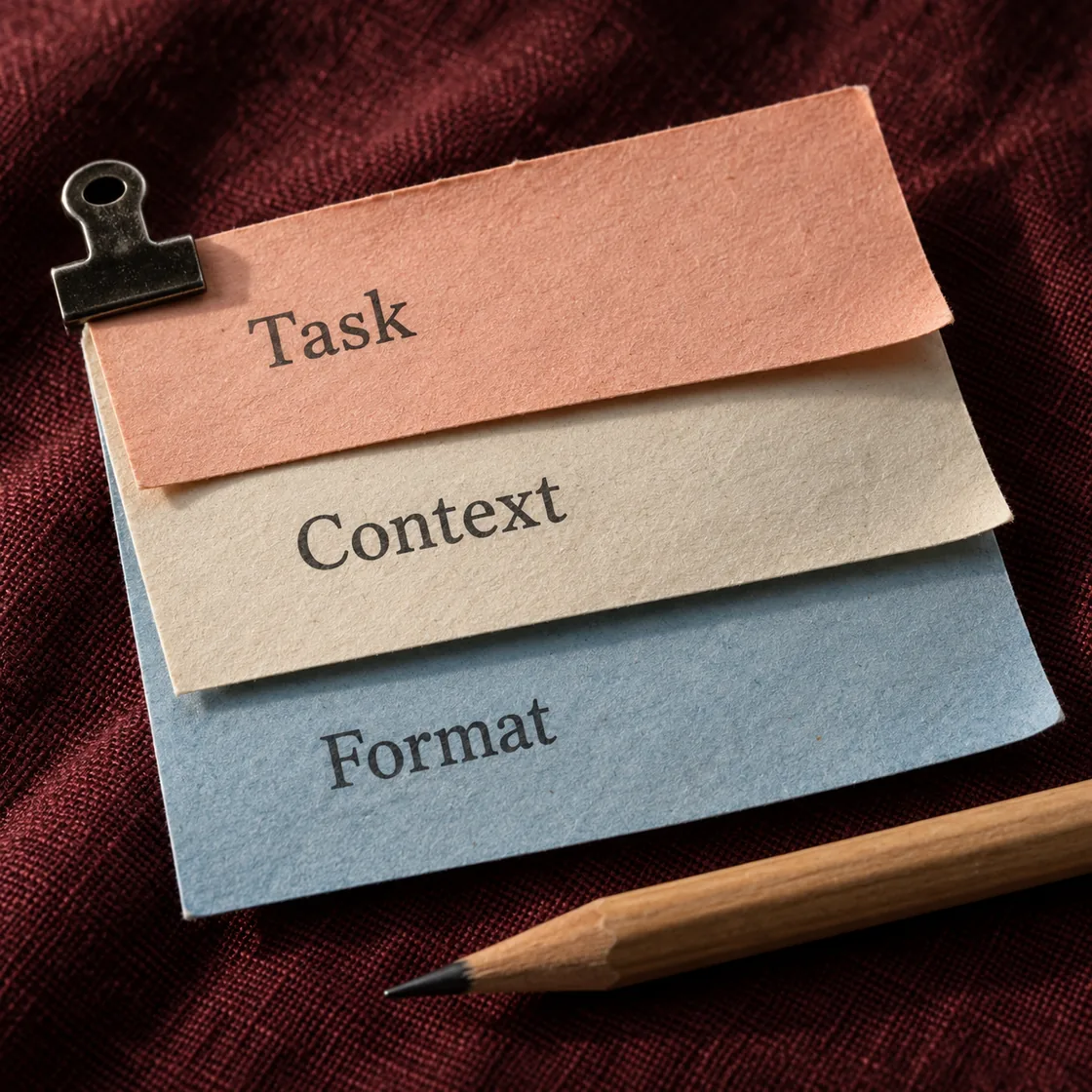
Use this structure when you want reliable answers: task, context, constraints, output format, and next step. You do not need all five every time, but adding the missing piece often improves the answer immediately.
Prompt pattern: "Help me [task]. Context: [what matters]. Constraints: [tone, length, audience, limits]. Format it as [bullets, table, steps, message]. End with [next action or question]."
An example brief
- 01 · InputBring context
A photo of an unclear assembly step
- 02 · RequestAsk a focused question
Describe the visible parts and ask one question about the missing context.
- 03 · CheckReview the result
Match the answer to the original instructions before assembling.
Writing and work prompts
Use the iPhone writing prompt library for rewriting, tone, summaries, and short-form copy. Use the work prompt guide for meetings, decision briefs, project updates, and cross-workflow tasks. Email replies have a separate email prompt guide.
Start here: "Help me [write, rewrite, summarize, or plan]. Audience: [person]. Preserve: [facts]. Tone: [tone]. Return: [format and length]."
Study prompts
Use the study prompt library for reusable quiz, explanation, and flashcard prompts. Use the exam-study guide for the full plan, active-recall, practice, and weak-topic review loop.
Start here: "Quiz me one question at a time. Wait for my answer, explain mistakes, and update my weak-topic list."
Coding prompts
Use the AI code helper guide for errors, minimal fixes, test cases, and screenshot-based debugging. Include expected behaviour, actual behaviour, the smallest relevant snippet, and missing context.
"I expected this function to return [result], but it returns [result]. Explain the likely bug, show the minimal fix, and list one test that would catch this next time."
Image generation prompts
Use the image-generation guide for a start-to-finish creative workflow. Use the photo-editing prompt library when an existing image must remain the foundation.
Start here: "Create [image job]. Subject: [subject]. Setting: [setting]. Lighting: [lighting]. Composition: [framing]. Avoid: [unwanted details]."
Screenshot prompts
Use the screenshot prompt library for copyable analysis requests. Use the screenshot guide for a safe describe-question-check-act workflow.
"Analyze this screenshot. Tell me the key point, anything confusing, what I should do next, and what information is missing."
Research prompts
Use the AI web-research guide for finding, comparing, and checking current sources. Use the travel prompt library when the research belongs inside a trip-planning workflow.
"Use current web context to compare these options. Give me a short recommendation, the tradeoffs, and the facts I should verify before deciding."
The follow-up prompt matters most
Most good AI work happens after the first answer. Use follow-ups like "make this shorter", "challenge your answer", "turn this into a checklist", "give me a better prompt", or "ask me the three questions you need before answering." ChatMore keeps that refinement loop close to the task.
Frequently asked questions
Where should I start with AI prompts on iPhone?
Start with the task you need to complete, then open the matching ChatMore guide for writing, work, study, images, screenshots, or web research.
What should a useful AI prompt include?
Include the task, relevant context, constraints, desired format, and the next action you want from ChatMore.
Can I use these prompts in ChatMore on iPhone?
Yes. Each linked guide is designed around a practical ChatMore workflow on iPhone.
Try these prompts in ChatMore.
Use ChatMore on iPhone for AI chat, writing, study, code, image generation, screenshots, live web search, and focused assistants.
Download ChatMoreSources and product details
ChatMore publishes this guide. Product features, availability, limits, and prices can change; consult the current official information before choosing a plan.