Background prompts
Describe the replacement setting, lighting, perspective, depth, and elements to preserve. For portraits, explicitly protect facial features, pose, clothing, proportions, and natural hair edges.
An example brief
- 01 · InputBring context
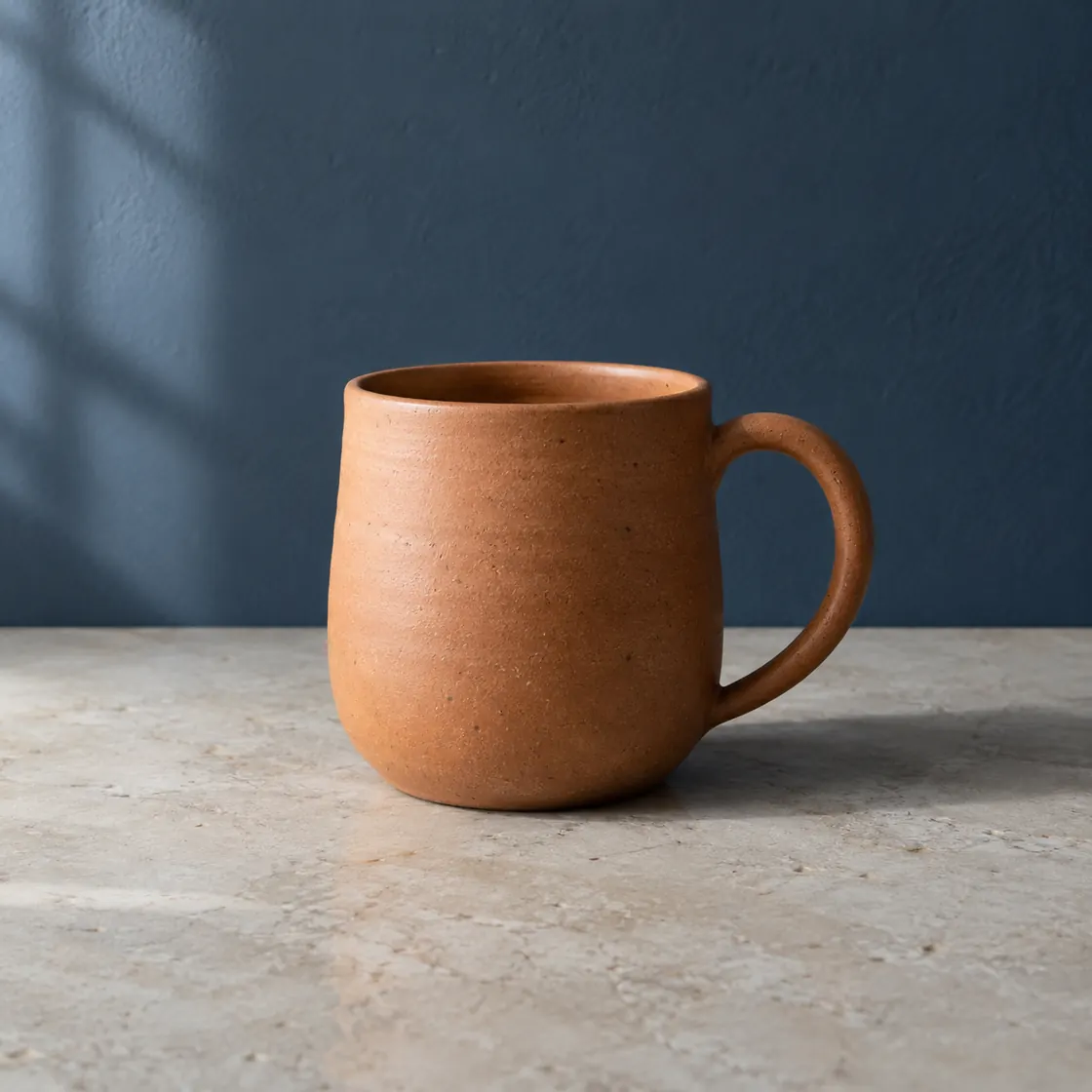
The original mug photograph shown below
- 02 · RequestAsk a focused question
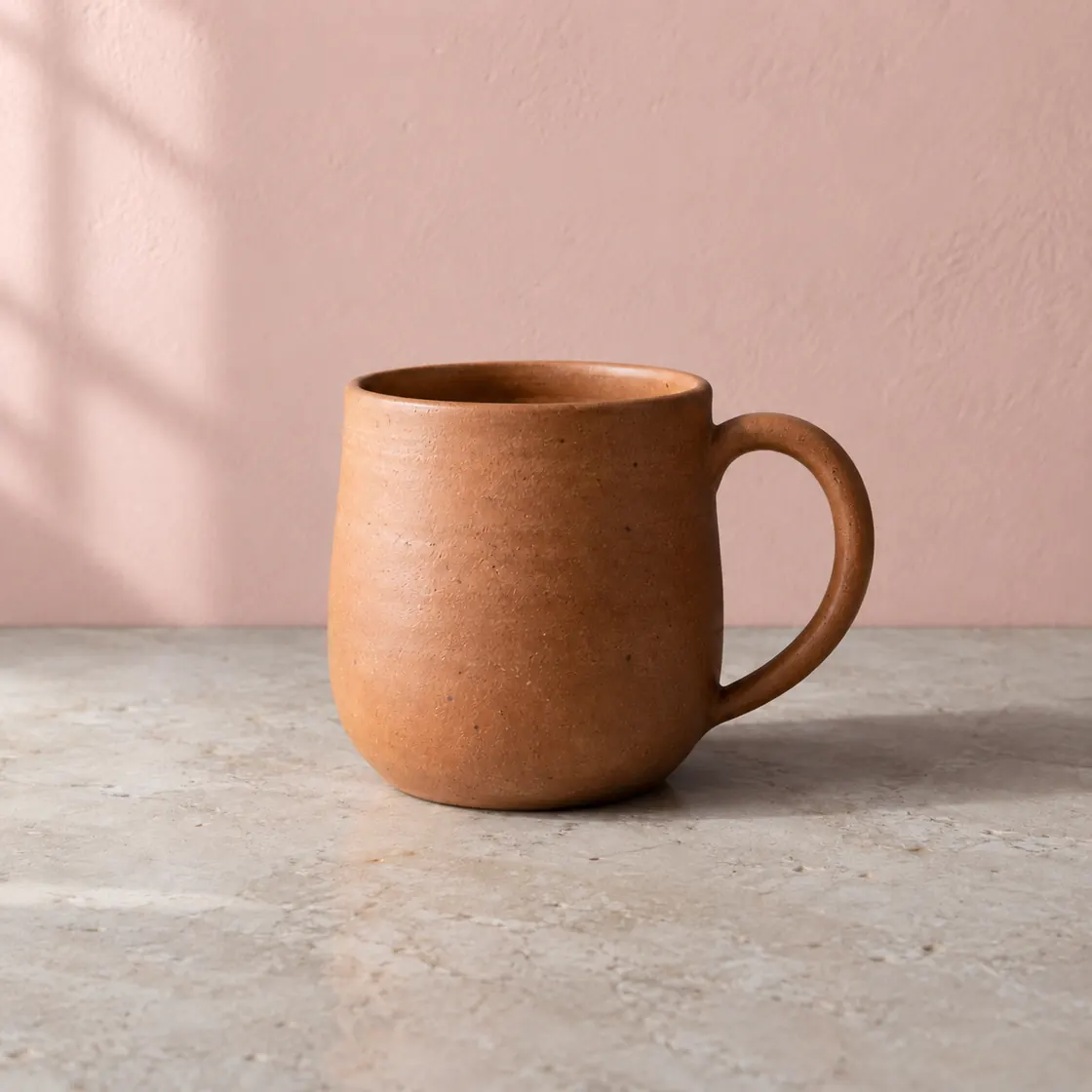
Change only the wall colour; preserve the mug, handle, tabletop, light, and crop.
- 03 · CheckReview the result
Compare both images at the same scale and inspect the handle and contact shadow.
Original
Background edit
Hairstyle prompts
Describe length, texture, cut, color, parting, and finish. Ask to preserve face shape, identity, expression, skin tone, and the original camera angle. Treat results as visual concepts, not guaranteed previews.
Outfit prompts
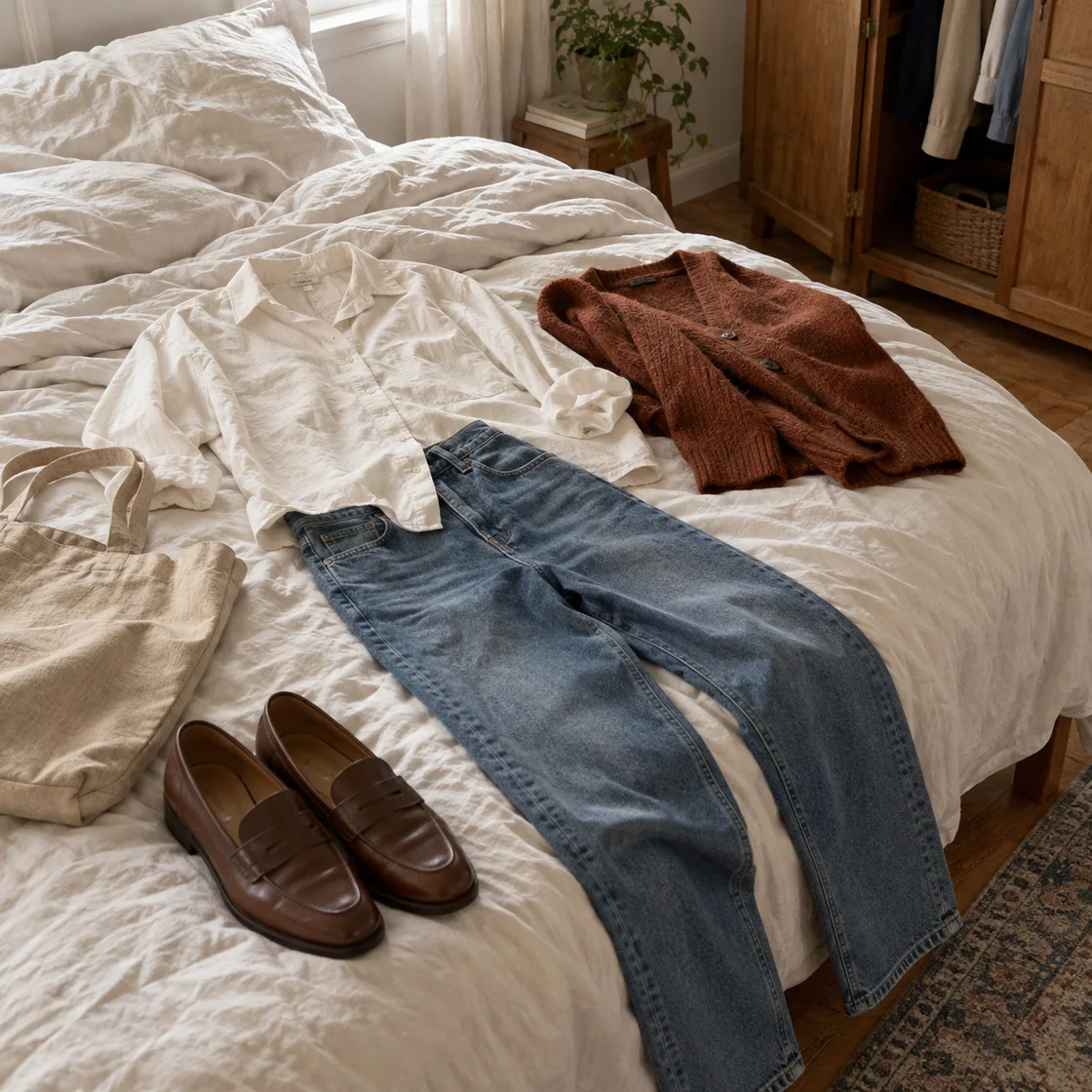
Name garment type, fit, material, color, occasion, and styling. Ask to preserve pose, body proportions, hands, face, and lighting. ChatMore provides prompt-guided edits, not measurement-accurate virtual try-on.
Accessories and styling prompts
For glasses, jewelry, hats, or other accessories, describe size, material, placement, and how the item should interact with hair, skin, shadows, and reflections.
Room and interior prompts
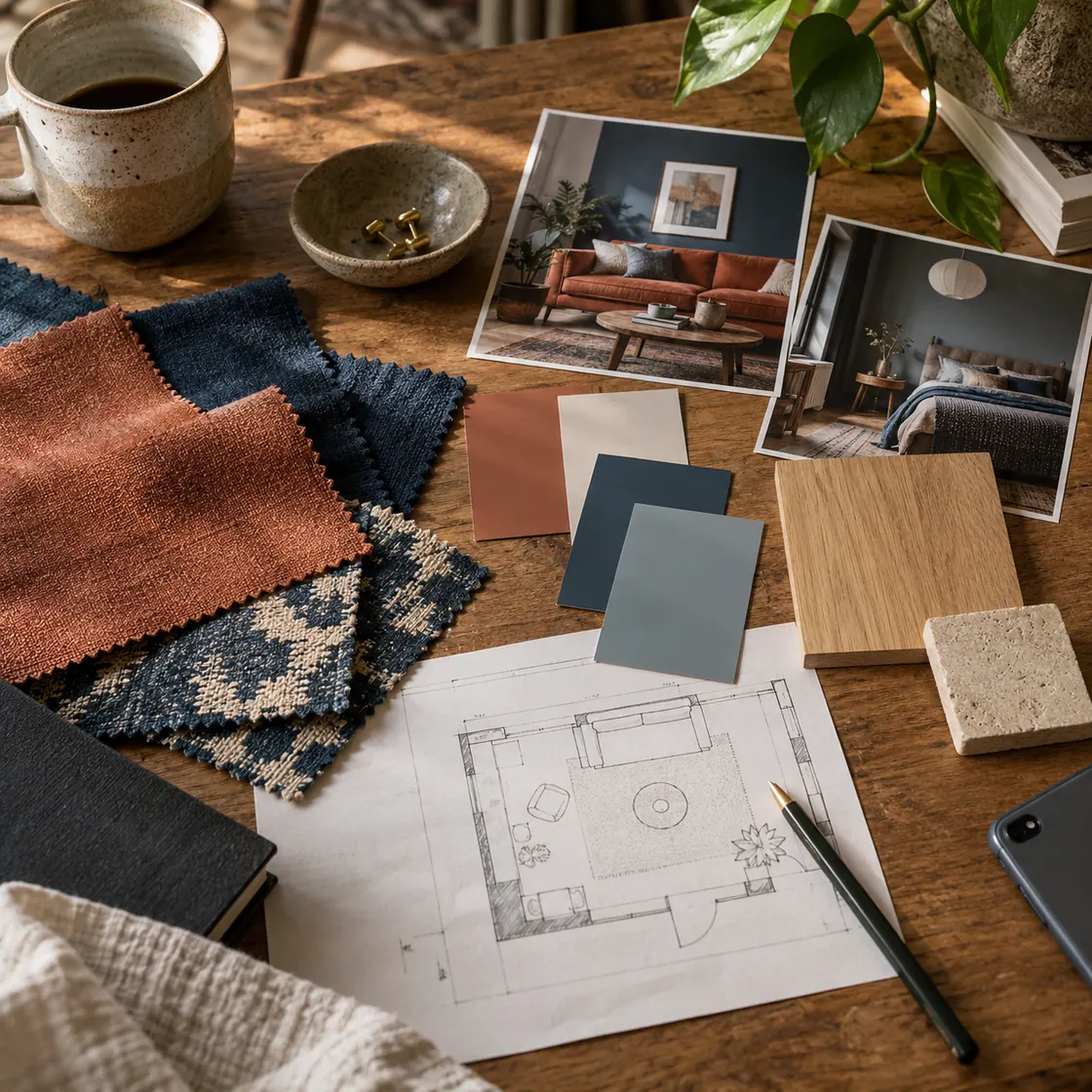
Identify the room, style, palette, materials, fixtures, and features that must stay. Ask for consistent architecture, usable circulation, and realistic light rather than an unrelated replacement scene.
Tattoo concept prompts
Use ChatMore to explore a visual concept, placement, scale, style, and contrast. Treat generated placement as inspiration only and review any permanent decision with a qualified tattoo professional.
Image style prompts
Describe one style direction through palette, light, contrast, and texture. Name subject, pose, crop, and layout details to preserve, keep the original photo, and inspect generated versions for unintended changes.
When this workflow helps
- Background replacement
- Hairstyle concepts
- Outfit concepts
- Interior redesign
Prompts to try
Change the background to [setting]. Preserve the subject's face, pose, clothes, proportions, and hair edges. Match lighting, perspective, and shadows to the new environment.
Show this person with a [length and style] hairstyle in [color]. Keep identity, face shape, expression, skin tone, clothing, and camera angle unchanged.
Change the outfit to a [garment] in [material and color] for [occasion]. Preserve the person's face, pose, body proportions, hands, and scene lighting.
Add [accessory] with realistic scale, placement, shadows, and reflections. Do not change facial features, hairstyle, pose, or background.
Redesign this room in a [style] direction using [palette and materials]. Keep the windows, doors, room dimensions, and camera perspective consistent.
Create a temporary tattoo concept featuring [subject] in [style]. Show approximate placement and scale while keeping skin texture and body shape realistic.
Make the person look more polished through lighting, posture, and clothing fit only. Keep identity and natural body proportions unchanged.
Review this edited photo for inconsistent edges, hands, text, reflections, shadows, lighting, or perspective. Suggest one correction prompt at a time.
Refresh this photo with a quiet editorial color grade: warm neutrals, soft side light, gentle contrast, and subtle grain. Preserve subject, pose, crop, facial features, clothing, and background layout.
Turn this photo into a restrained watercolor illustration with loose edges, paper texture, and a limited [color palette]. Preserve the main subject and composition.
Create three versions using [style one], [style two], and [style three]. Keep subject and crop consistent, then list details that may have changed.
Try the workflow on your iPhone.
Open ChatMore with a question, a draft, or a screenshot. Check the result, then refine it for your task.
Download ChatMoreCommon questions
What makes a good AI photo editing prompt?
State what should change, what must remain, desired realism, lighting, perspective, and details to check. Specific constraints reduce unwanted changes.
Can ChatMore preview hairstyles and outfits?
ChatMore can create prompt-guided visual concepts from a photo. Results are generated interpretations, not measurement-accurate salon previews or virtual try-on.
How do I preserve the person's identity?
Ask to preserve facial features, face shape, expression, skin tone, pose, and camera angle. Always review the result because generated edits can still vary.
Where should I start with an AI image style on iPhone?
Attach the source photo in ChatMore, describe one style direction, and name details that must remain. Keep the original and review the generated result before sharing.
Sources and product details
ChatMore publishes this guide. Product features, availability, limits, and prices can change; consult the current official information before choosing a plan.
- ChatMore on the App Store
- Apple: Create or edit an image with Image Playground