A useful outfit prompt starts with your real constraints. A request such as ‘give me something smart casual’ leaves too much room for guesswork. Add the event, temperature, formality, items you want to use, colours you avoid, footwear needs, and how much walking you expect.
This guide covers outfit ideation. It does not promise exact fit, body assessment, garment availability, or a realistic preview of how a specific item will sit on you.
Build a wardrobe brief from facts
Write down the clothes you want to use before asking for combinations. Include garment type, colour, material, shape, and any practical limitation you know. A plain list is often more useful than a vague photo.
Keep personal details optional. ChatMore does not need body measurements or an attractiveness judgment to suggest colour and clothing combinations.
- Occasion and dress code
- Weather and indoor or outdoor setting
- Items you already own
- Colours, layers, shoes, and comfort constraints
- Items or styles you do not want
I need a smart-casual outfit for an outdoor dinner at 14°C. Use my navy trousers and white trainers. I prefer layers, muted colours, and no dry-clean-only pieces. Give me three combinations.
Turn wardrobe facts into a useful brief
- Supplied factsOutdoor dinner at 14°C
Smart-casual dress. Use navy trousers and white trainers already owned.
- ConstraintsKeep the choices practical
Prefer layers and muted colours. Exclude dry-clean-only pieces.
- Requested optionsAsk for three combinations
Compare warmer, more formal, and more relaxed options. Request substitutions from the supplied wardrobe list.
Ask for combinations, not one verdict
Request three options with different trade-offs, such as warmer, more formal, and more relaxed. Ask ChatMore to explain which listed item anchors each look and what can be swapped without changing the overall direction.
If a suggestion introduces an item you do not own, ask for a substitution from your list before treating it as a shopping recommendation.
Use images for concepts, not fit proof
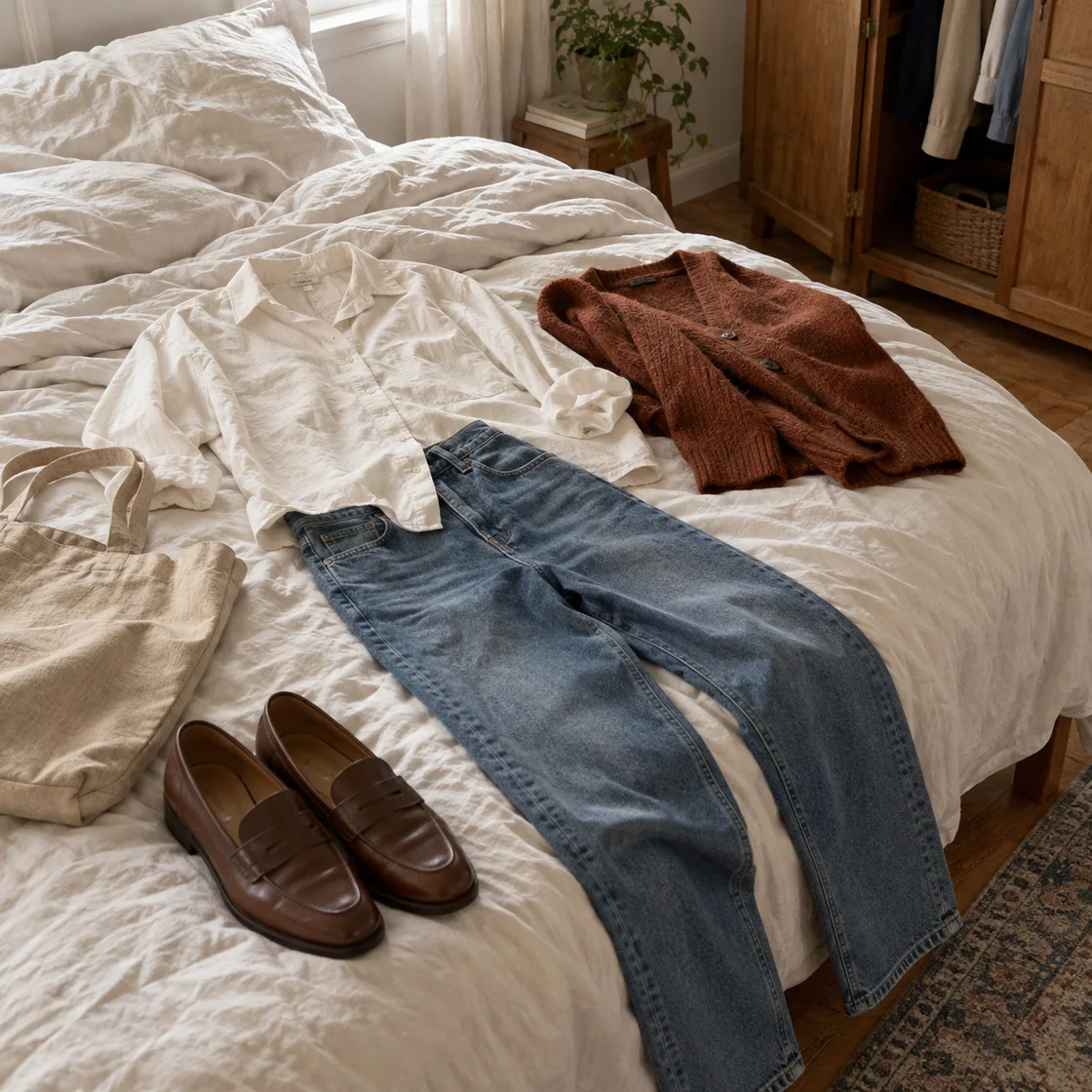
You can ask ChatMore to generate a visual concept or edit a flat-lay image to explore colour and styling direction. Keep the prompt focused on garments, palette, setting, and lighting.
Generated images may change fabric, shape, proportions, details, or logos. They cannot confirm how a real garment fits, feels, or looks in changing light.
Create an editorial flat-lay concept using a charcoal jacket, cream knit, straight dark jeans, and burgundy loafers. Keep every item separate and show no person or brand logo.
Run a real-world check before wearing or buying
Check weather, venue rules, fabric care, comfort, sizing, and stock on responsible sources. Try the clothes together under normal light. If an outfit needs a purchase, verify the retailer listing rather than relying on an AI description.
Treat the final answer as a shortlist. Your own comfort and the actual garments decide the result.
Prompts to try
"Create three outfits for [occasion] in [weather]. Use only these items: [wardrobe list]. Explain why each combination works and give one practical substitution."
"Turn this wardrobe list into a seven-look capsule. Reuse each major item at least twice. Do not invent brands, prices, fabric, or fit details."
"Review this outfit plan for dress-code, weather, walking, layering, and care issues. Separate facts I supplied from assumptions I need to verify."
"Give me three colour palettes around [anchor item]. For each palette, list top, layer, bottom, shoes, and one accessory using common colour names."
"Create a packing outfit plan for [trip length and weather]. Use these items: [list]. Minimise duplicates and mark anything that needs a current weather check."
"Create an editorial flat-lay image brief for this outfit. Show garments only. Do not show a body, claim exact fit, add logos, or invent product details."
Quick checklist
- Name occasion, weather, and dress code.
- List real wardrobe items and constraints.
- Ask for several combinations and substitutions.
- Keep image concepts separate from fit claims.
- Verify weather, venue rules, sizing, care, and availability.
- Try final combination with actual garments.
Try this workflow in ChatMore.
ChatMore gives iPhone users one place for AI chat, prompts, screenshots, image generation, web search, and focused assistants. Install it, paste the task, and refine the result from your phone.
Download ChatMoreCommon questions
Can ChatMore create outfit ideas on iPhone?
Yes. Give ChatMore the occasion, weather, dress code, colours, comfort needs, and clothes you own. It can suggest combinations and substitutions for you to check.
Can ChatMore show exactly how clothes will fit me?
No. Generated or edited images cannot confirm exact fit, sizing, fabric behaviour, or how a garment will look in real conditions.
Should I upload a photo of myself?
You do not need to. A written wardrobe list or flat-lay photo can support outfit ideation without asking for body assessment.
Can ChatMore check current weather or product availability?
ChatMore can help research current information with web search, but open the responsible weather, venue, or retailer source before deciding.
Sources and product details
ChatMore publishes this guide. Product features, availability, limits, and prices can change; consult the current official information before choosing a plan.