An AI image generator for ideas that start on your phone.
Use ChatMore when you have a prompt, product idea, profile image, social post, or creative direction to explore. Start with an image prompt, generate visual options, then use chat, photo edits, screenshots, and assistants to refine the result.
An example brief
- 01 · InputBring context
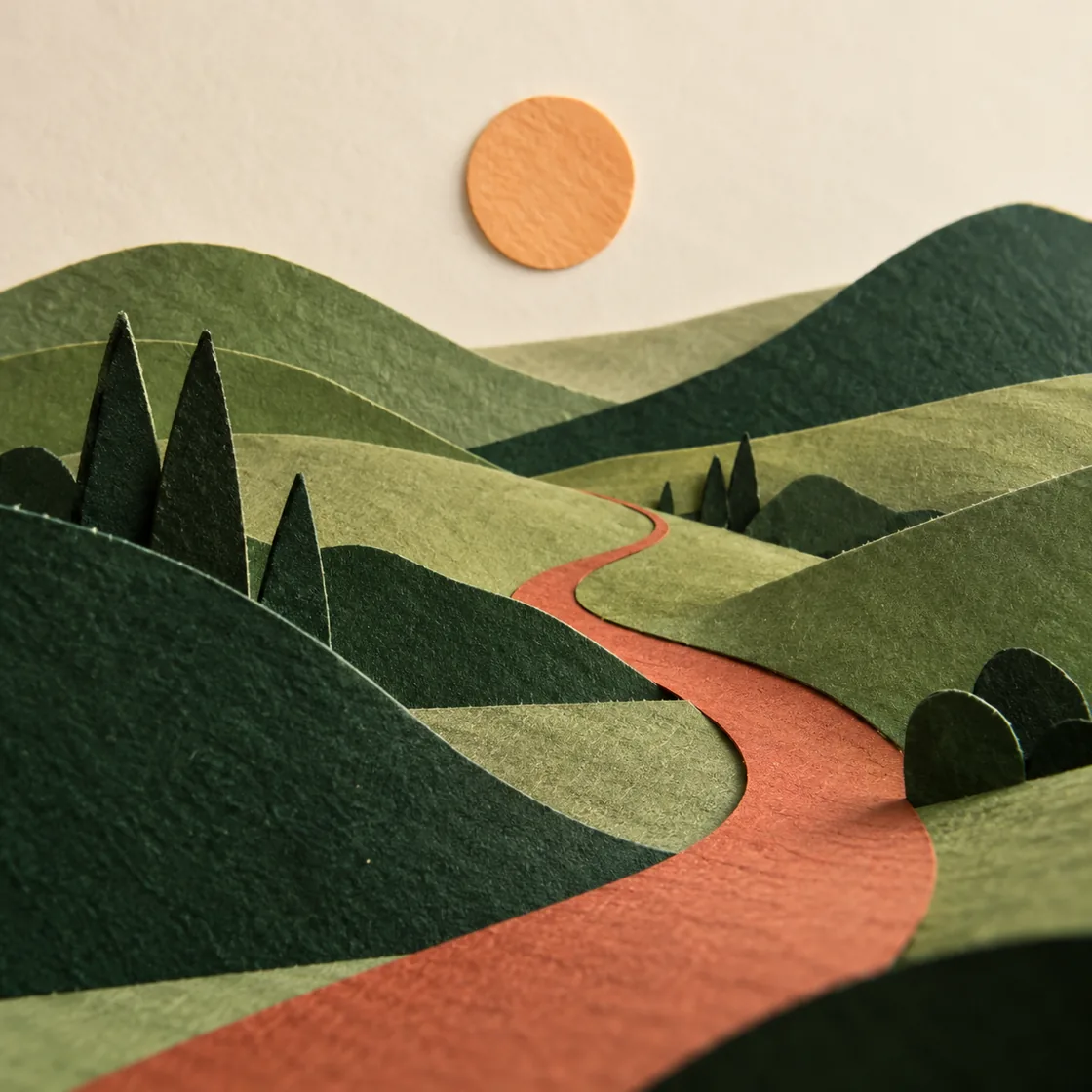
A landscape image for a quiet editorial cover
- 02 · RequestAsk a focused question
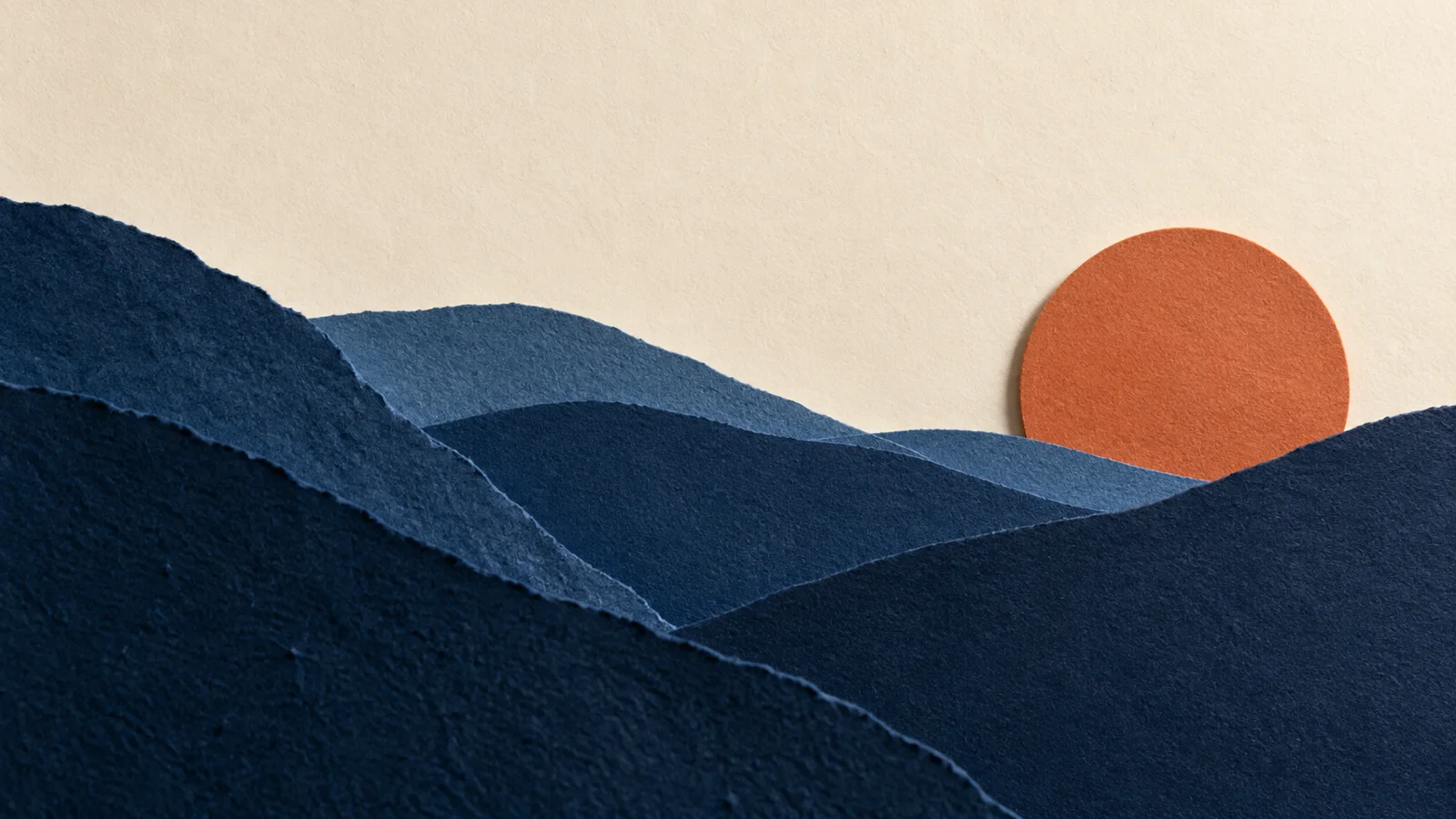
Specify layered paper mountains, a warm sun, a simple crop, and no text.
- 03 · CheckReview the result
Compare composition and texture with the brief before refining one detail.
Start with a prompt. Turn it into a visual direction.
ChatMore helps you move from rough idea to image options, polished edits, and prompt variations while staying inside one iPhone app.
Create images from prompts
Describe the image you want, compare generated options, and keep the strongest direction ready for saving, sharing, or remixing.
Transform existing photos
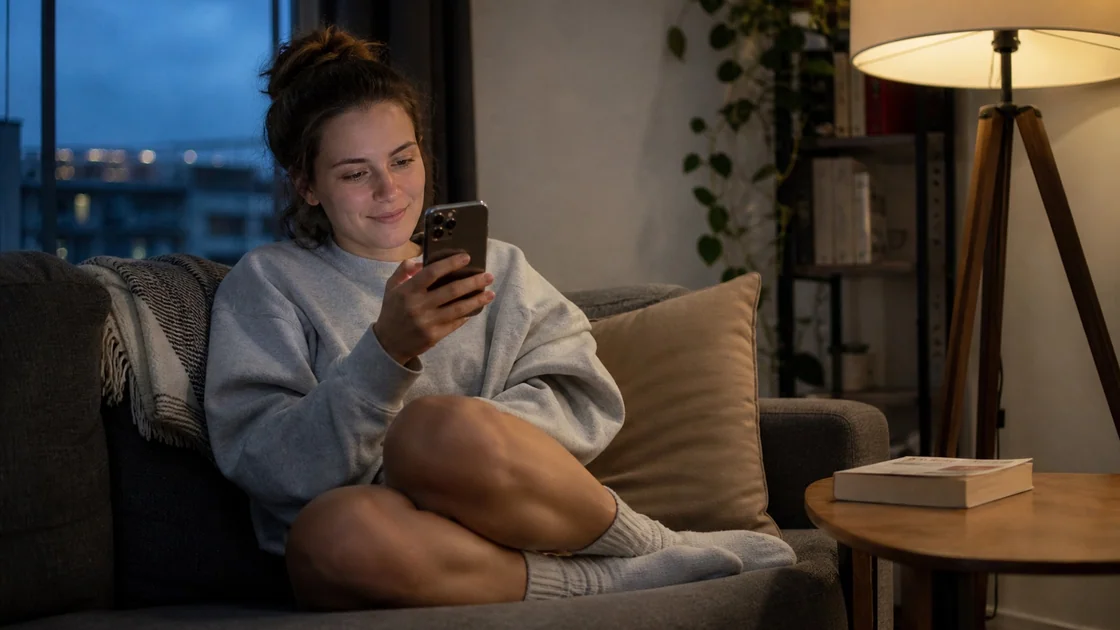
Turn selfies, product shots, profile images, and casual photos into polished visuals.
Explore a before and after
Use prompt changes and style directions to move from a rough visual to a better result.
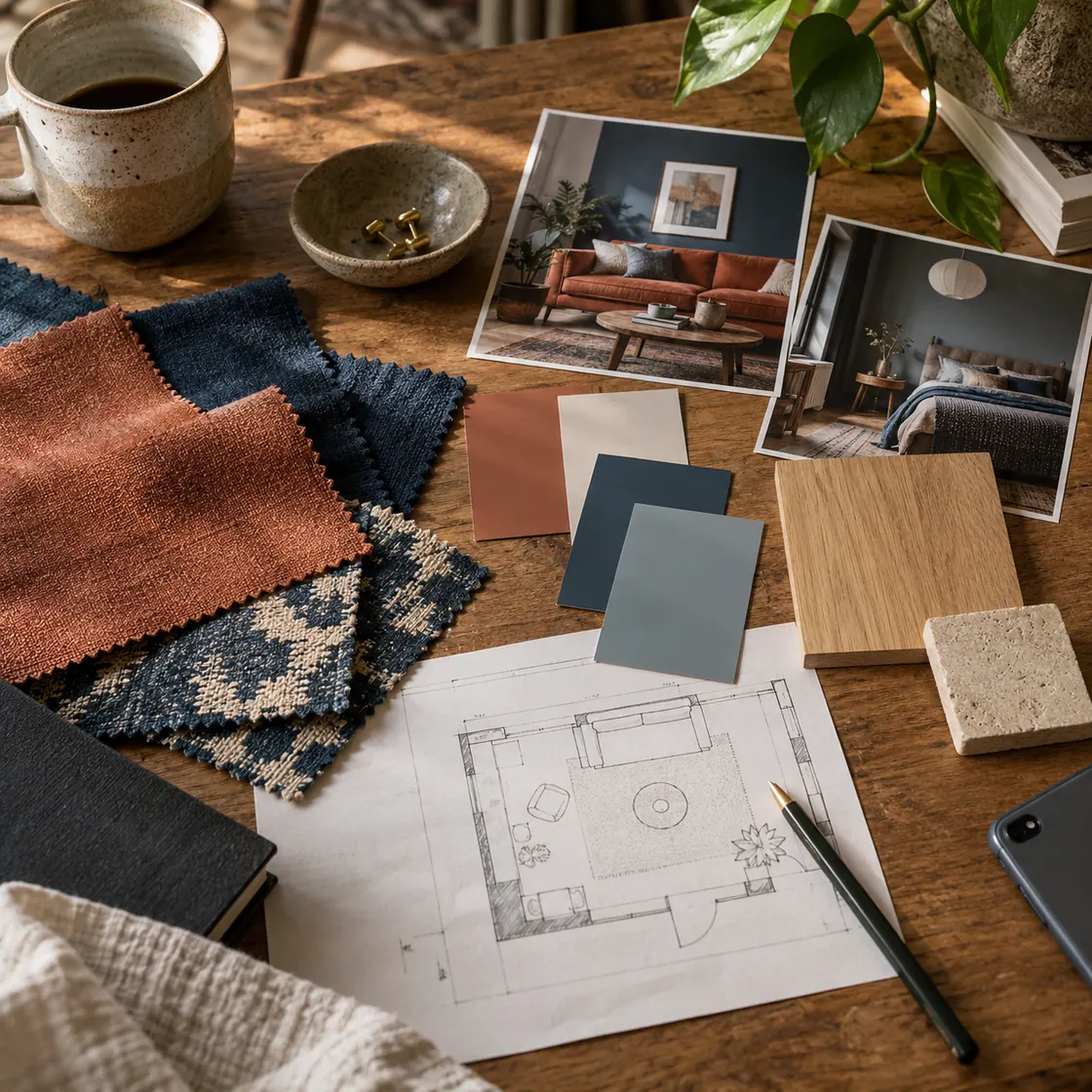
AI image jobs people want from their phone.
Turn ideas into prompts
Start with a rough concept and use ChatMore to sharpen it into a stronger image prompt.
Create social visuals
Generate profile images, post ideas, story graphics, thumbnails, and visual concepts.
Mock up product shots
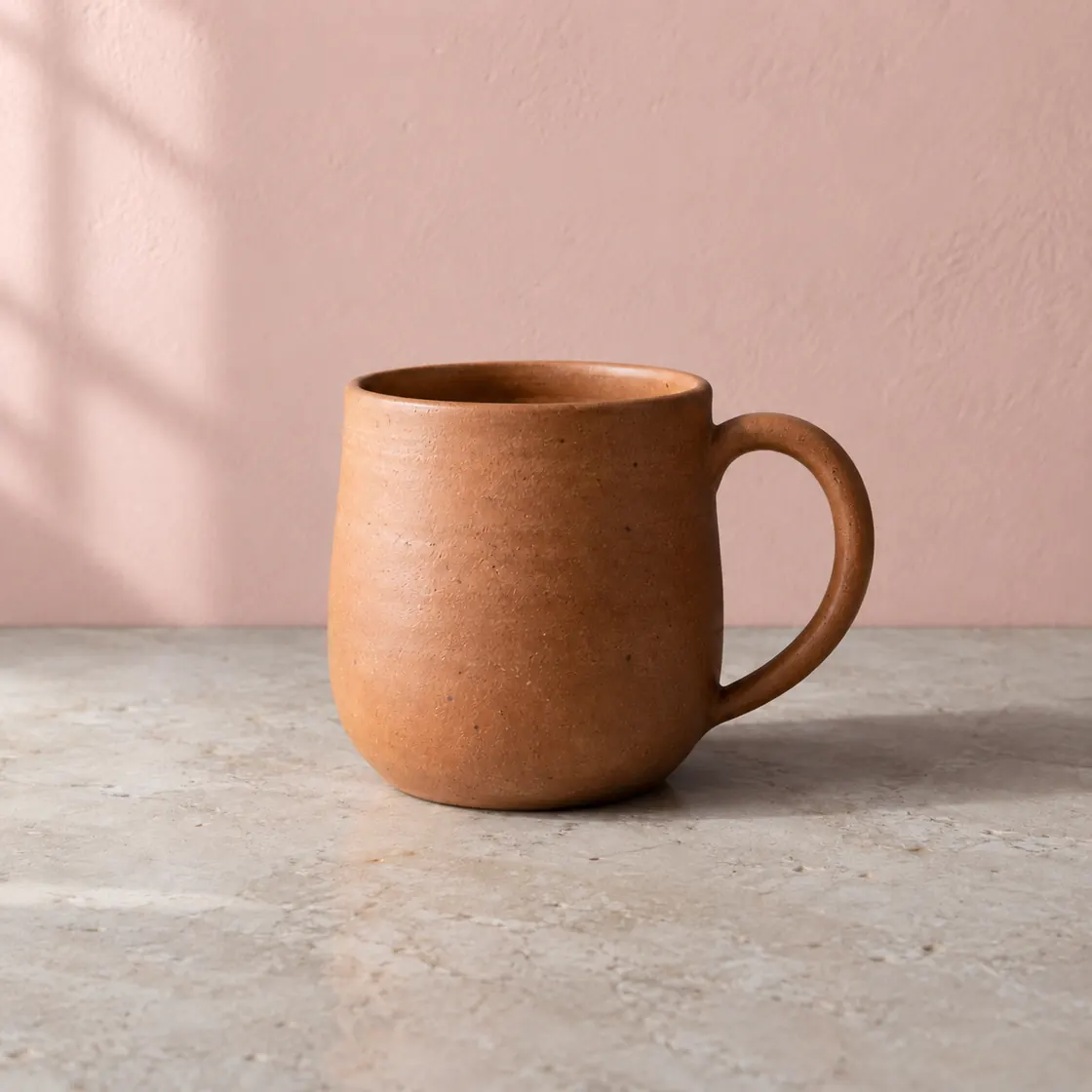
Explore product concepts, campaign images, backgrounds, and polished visual directions.
Compare creative styles
Test cinematic, minimal, editorial, realistic, abstract, and branded visual directions.
Improve existing photos
Turn everyday photos into sharper profile images, portraits, product visuals, and edits.
Refine what to make next
Ask ChatMore to improve prompts, explain why an image works, or plan the next creative direction.
Check the result before using it
Generated images can contain errors in text, anatomy, proportions, or product details. Inspect the result and check any rights or publication requirements before using it.
Prompts to try
Create an image of [subject] in [setting], with [lighting] and [style]. Use a [shape] composition and leave out text.
Keep the subject and composition. Change only [detail], and match the existing light and colors.
Give me three visual directions for [idea]. Describe each before I choose one to generate.
Try this in ChatMore.
Start with a small task, check the result, and refine it from your iPhone.
Download ChatMoreCommon questions
Is ChatMore an AI image generator for iPhone?
Yes. ChatMore is available on the App Store and includes AI image generation for iPhone.
What can I generate with ChatMore?
You can generate visual ideas, social images, profile concepts, product-style visuals, creative scenes, and prompt variations.
Can ChatMore edit photos too?
Yes. ChatMore includes AI photo editing and image transformation tools alongside image generation.
Can chat help with image prompts?
Yes. You can ask ChatMore to improve prompts, explore styles, write captions, or plan the next creative direction.
Is ChatMore free to download?
Yes. ChatMore is free to download and offers in-app purchases. Features and usage limits depend on your plan; check the app and the current App Store listing for details.
Is there a web version?
This page covers the ChatMore app for iPhone and iPad. Check the homepage for any web-access updates.
Sources and product details
ChatMore publishes this guide. Product features, availability, limits, and prices can change; consult the current official information before choosing a plan.