Start with items and limits
Open ChatMore on iPhone. State event, indoor or outdoor setting, available items, time, budget, group size, access needs, and anything unsafe or unwanted. Ask for three ideas and one fallback.
An example brief
- 01 · InputBring context
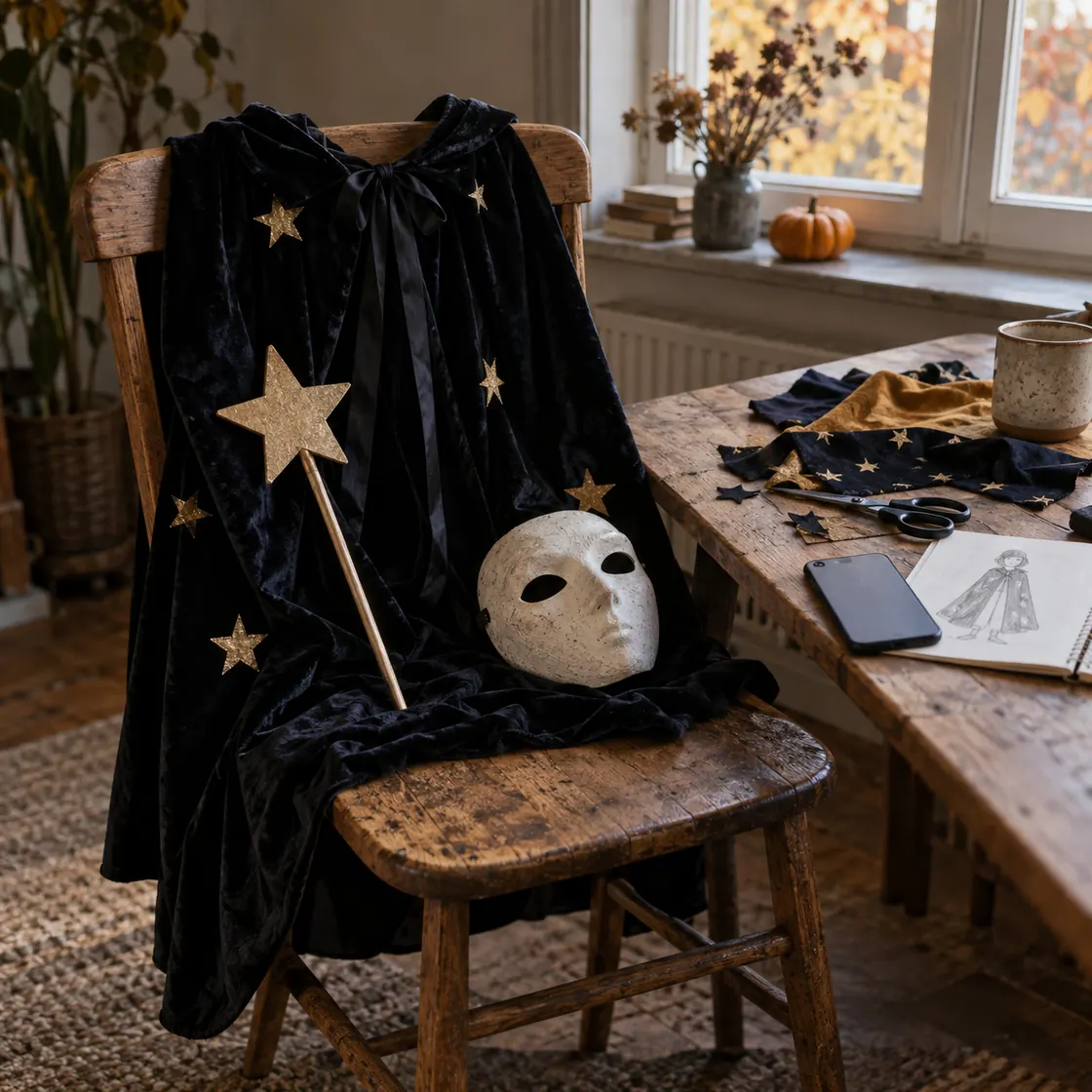
A black cape, cardboard, scissors, and a small budget
- 02 · RequestAsk a focused question
Suggest a costume using these materials, with assembly steps and a simpler option.
- 03 · CheckReview the result
Check comfort, visibility, materials, and the event’s costume rules.
Separate keep, make, borrow, and buy
List clothing, props, craft supplies, and tools you already have. Ask ChatMore to separate keep, borrow, make, and buy items. For current prices, request source links and verify retailer pages.
Plan for weather
Give rain, wind, cold, walking distance, layers, visibility, and transport constraints. Ask for an outdoor version and an indoor backup without treating a generated plan as a forecast.
Coordinate a group
Give group size, shared theme, individual comfort, and budget per person. Ask for coordinated looks that still work if one person drops out.
Check access and safety
Ask for a review of sightlines, movement, trailing fabric, cords, heat, flames, and venue rules. Treat the result as a checklist, then verify against official guidance.
Refine a visual concept
Attach a reference photo only if comfortable. Ask ChatMore for a visual concept covering clothing, accessories, setting, lighting, and realistic proportions. Review the output for unintended changes.
When this workflow helps
- Use-what-you-own costumes
- Low-budget looks
- Rainy outdoor events
- Group costumes
- Access-aware planning
- Safety review
Prompts to try
I need a Halloween costume for [person or group]. Use these items: [list]. Event: [event]. Budget: £[amount]. Weather: [conditions]. Give three recognisable options, what to keep, what to make, what to buy, and one backup.
Create five low-cost Halloween costume ideas from [items]. Keep total spend below £[amount]. Avoid specialist tools, open flames, realistic weapons, and hard-to-find materials. State assumptions.
Plan an outdoor Halloween costume for [weather and temperature]. Include layers, footwear, rain or wind protection, visibility, easy movement, and an indoor alternative. Flag anything I must verify.
Design a group Halloween theme for [number] people with a shared visual link but different comfort levels and budgets. Give each person a solo fallback.
Adapt this costume for [mobility, sensory, vision, hearing, temperature, or allergy need]. Preserve the theme. Avoid blocked sightlines, tight pressure, trailing fabric, loose cords, and hard-to-remove parts.
Turn this costume idea into an image prompt for a realistic iPhone photo concept. Show the clothing, materials, accessories, setting, lighting, weather, and full-body framing. Do not add logos, readable text, realistic weapons, or open flames.
Make a final Halloween checklist with four sections: fit and movement, visibility and weather, materials and fire risk, venue and event rules. Separate facts to check from suggestions.
Try the workflow on your iPhone.
Open ChatMore with a question, a draft, or a screenshot. Check the result, then refine it for your task.
Download ChatMoreCommon questions
Can ChatMore help me choose a Halloween costume on iPhone?
Yes. Give ChatMore your event, available items, budget, weather, group details, access needs, and limits. It can suggest options and turn one idea into a reusable visual prompt.
Can I use items I already own?
Yes. List clothing, props, craft supplies, and tools you have. Ask ChatMore to separate items into keep, borrow, make, and buy.
Can it plan a group costume for UK weather?
Yes, if you provide group size, setting, movement needs, and expected conditions. Verify current weather, venue rules, and any product details before the event.
Can ChatMore confirm that a costume is safe?
No. ChatMore can flag questions about fit, visibility, cords, trailing fabric, heat, flames, and movement. Check official guidance and event requirements yourself.
Can it create a visual costume concept?
ChatMore supports text-prompted image creation and photo-based visual work. Generated results can change details, so review the output before using it for a purchase or final costume.
Sources and product details
ChatMore publishes this guide. Product features, availability, limits, and prices can change; consult the current official information before choosing a plan.
- ChatMore on the App Store
- GOV.UK: Halloween costume safety warning
- Timeanddate: Halloween 2026 in the UK