Separate facts from guesses
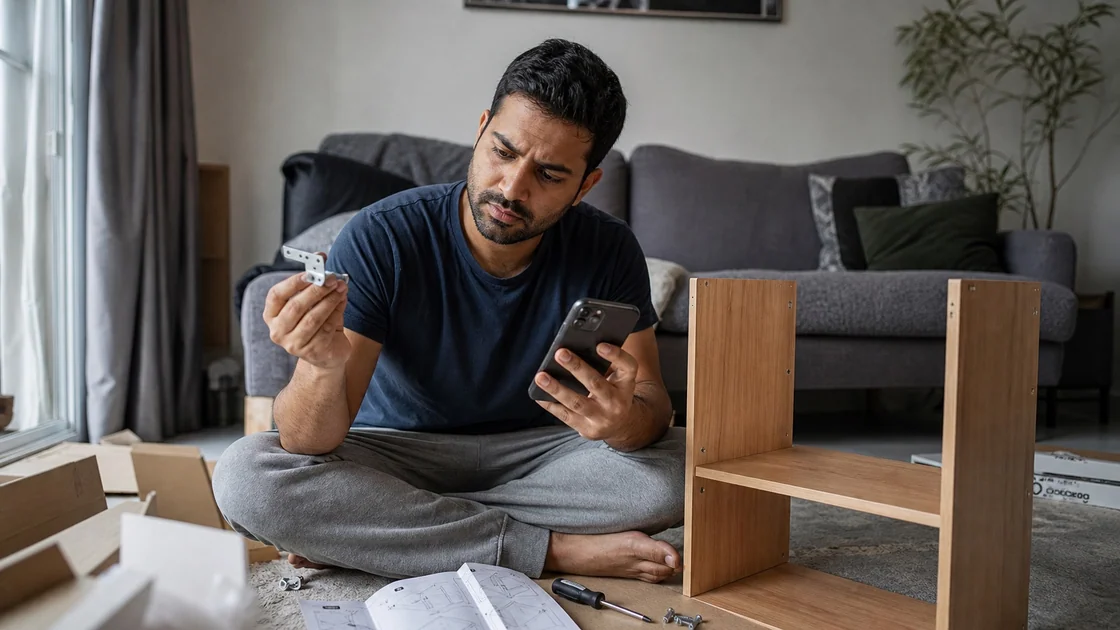
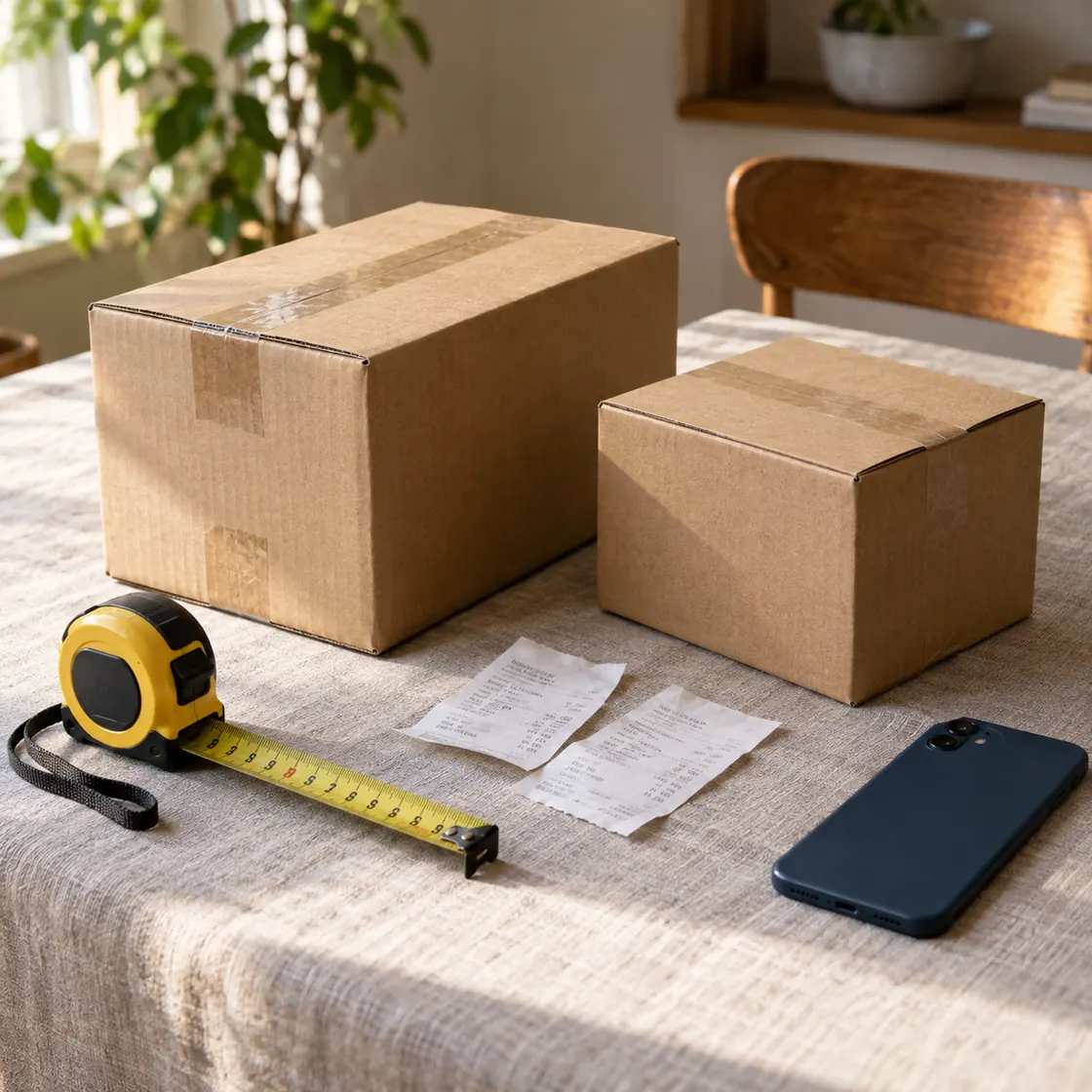
Ask ChatMore to list only what is visible first. Then ask for likely interpretation and what needs verification. This avoids mixing text shown in the image with assumptions about missing context.
An example brief
- 01 · InputBring context
One readable chart, error, or instruction screenshot
- 02 · RequestAsk a focused question
List visible facts first, then interpretations and unanswered questions.
- 03 · CheckReview the result
Check cropped labels and important details in the original source.
Choose format
Use tables for comparison, bullets for summaries, and steps for troubleshooting. Output format matters on iPhone because a short structured answer is easier to scan and reuse.
Request caveats
Screenshots can omit context. Ask for confidence level, missing information, and follow-up questions. For important decisions, ask what must be checked in the original app, source, or website.
Turn the screenshot into a task
After the summary, ask for the next action: draft a reply, make a comparison table, explain an error, create a checklist, or convert visible notes into study prompts.
When this workflow helps
- Charts
- Errors
- Shopping comparisons
- App screens
Prompts to try
List visible facts from this screenshot. Then explain likely meaning and what I should verify.
Summarize this chart. Include trend direction, anomalies, and caveats.
Compare these screenshots in a table. Use only visible information.
Explain this error screen. Give likely cause, first fix to try, and info needed if that fails.
Read this app screen and tell me what action I should take next. Separate visible buttons from assumptions.
Turn this screenshot into a clean summary, a checklist, and three follow-up questions.
Try the workflow on your iPhone.
Open ChatMore with a question, a draft, or a screenshot. Check the result, then refine it for your task.
Download ChatMoreCommon questions
What should I ask when uploading a screenshot?
Ask for visible facts first, then interpretation, caveats, and next actions. If the image is cropped or blurry, ask ChatMore to say what it cannot read.
Can ChatMore compare screenshots?
Yes. Use a comparison prompt and ask for a table based only on visible details.
How do I avoid bad screenshot answers?
Use clear screenshots, ask for caveats, and verify anything not visible. For high-stakes topics, use the screenshot as context, then confirm against the original source.
Sources and product details
ChatMore publishes this guide. Product features, availability, limits, and prices can change; consult the current official information before choosing a plan.