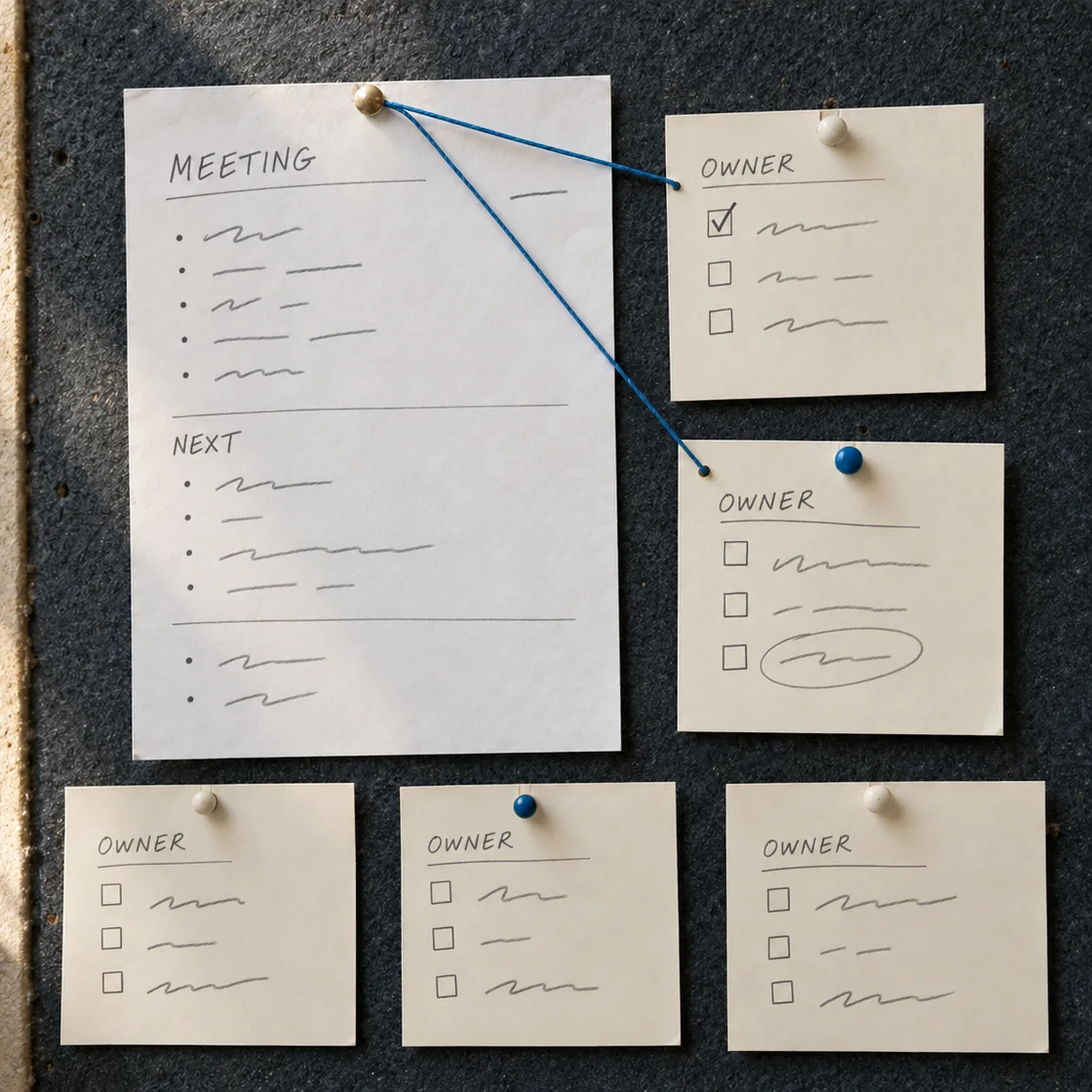
A customer says a bicycle light will not turn on. Your support notes contain the right rules, but a teammate still has to work out which question comes next. A decision tree makes that order visible.
ChatMore can help draft that structure from your iPhone. Give it the policy and ask for a route a person can follow: one question, a branch for each answer and a clear place to stop. Start with the complete example below, then adapt the prompt to your own approved rules.
The short answer
Use ChatMore to turn your supplied support policy into numbered questions, clear branches and named actions. Choose an available GPT option, paste the complete rules and ask it to preserve their order, including stop and escalation conditions. Then check every route against the policy before your team uses the tree.
A FAQ explains individual answers. A decision tree connects them: if this condition is true, take this route; if it is false, ask the next question. That distinction matters when one answer should stop the process.
A finished support tree you can follow
This fictional policy covers a rechargeable bicycle light. It checks reported safety issues first, asks for an order ID, routes charging questions to the supplied manual and ends with either a resolved case or support review.
The four numbered questions below are an original worked example. “Wait” means stop the current route until the customer answers. It never means assume the missing answer or move on to the next question.
Bicycle-light support: four questions, clear routes
Example decision tree
- 1. Any reported safety issue?
- Cracking, a damaged charging port, unusual heat or an unusual smell: If any answer is yes → Stop using and charging the light. Contact support for review. End. Otherwise, if any answer is unknown → Ask only for the missing safety information. Wait. Only if all four answers are no → Go to 2.
- 2. Order ID available?
- Yes → Go to 3. No or unknown → Ask for the order ID. Wait.
- 3. Manual charging steps completed with supplied cable?
- Yes → Go to 4. No → Refer to the charging steps in the supplied product manual, using the supplied cable. Wait for the result. Unknown → Ask whether those steps were completed. Wait.
- 4. Light turns on after those steps?
- Yes → Mark the issue resolved. End. No → Send the case to support for review. End. Unknown → Ask whether it turns on. Wait.
Copy complete support-tree prompt
Turn the supplied fictional policy into a plain-text customer support decision tree for a bicycle light. Use only the policy, in its stated order. Give each question a number and explicit Yes, No and Unknown routes where relevant. Name the action at every leaf and stop there. Keep the R1 safety stop ahead of every other question. Do not treat unknown as no. Do not add technical advice, policy promises or eligibility rules. After the tree, list any policy gaps separately instead of filling them in. POLICY Fictional bicycle-light support policy. Apply these rules in order, and stop at the first action that tells you to wait or refer the case to support. R1. Ask about cracking, a damaged charging port, unusual heat and an unusual smell. If any answer is yes, say: "Stop using and charging the light. Contact support for review." Stop here, even if another safety answer is unknown. Otherwise, if any answer is unknown, ask only for the missing safety information and wait. Continue to R2 only if all four answers are no. R2. If no R1 issue is reported, check whether the order ID is available. If it is missing or unknown, ask for the order ID and wait. R3. With the order ID available, ask whether the customer has completed the charging steps in the supplied product manual, using the supplied cable. If no, refer them to those manual steps and wait for the result. If unknown, ask whether those steps were completed and wait. Do not invent charging times, voltages, repair steps or battery-removal instructions. R4. After those charging steps have been completed, ask whether the light turns on. If yes, mark the issue resolved. If no, send the case to support for review. If unknown, ask whether it turns on and wait. This policy authorises no refund, replacement, warranty decision or response-time promise.
Give ChatMore the rules it needs
Copy the policy itself into your prompt, rather than asking GPT to guess how your company handles a fault. Include which question comes first, what counts as enough information and who handles an unresolved case.
Keep customer details out of the policy draft unless they are needed for the task. A placeholder such as “order ID available” is enough to design a branch. The example does not need a real customer’s name, address or order number.
If two notes conflict, put the conflict in the prompt and ask ChatMore to list it for the policy owner. A tidy tree cannot settle an unclear rule. For example, “escalate after charging” and “offer a replacement after charging” need an owner’s decision before either becomes an authorised action.
For other structured work outputs, try ChatMore prompts for meetings, decisions and project updates.
- State the scope: which product or support question the tree covers.
- List the rules in their required order.
- Name each authorised end action.
- Say what to do when a fact is missing.
- Keep unresolved policy questions separate from the tree.
Build the first version in ChatMore
Open ChatMore on your iPhone and choose an available GPT option. Paste the complete prompt above into text chat. For your own policy, replace the fictional rules while keeping the instructions about branch order, missing facts and end actions.
Ask for plain text first. Numbered questions and short routes are easy to read on a phone and copy into a team note. You can ask for shorter wording after the logic is checked.
ChatMore gives you model choices for this kind of writing task. If you try another available option, keep the source policy and prompt unchanged. Compare the result against the same rules: did it retain the first stop, include unknown answers and avoid adding promises? Choose the draft whose wording your team can follow, after checking its logic.
Check the routes with concrete cases
Read the result against the source policy, one branch at a time. The test is whether each condition leads to its authorised action. The wording can vary; the rule order and meaning must stay intact.
Use these fictional cases before adapting the draft for your team. They catch errors that a quick read can miss, such as asking someone to charge a damaged light or treating an unknown answer as a passed check.
Use the AI answer-checking guide for a wider fact and source review.
Five cases to run through the tree
- Damaged port; no order ID
- Question 1 stops the route. Stop use and charging; contact support. Do not ask for charging tests or continue to question 2.
- Safety status unknown
- Ask for the missing safety information and wait. Do not treat unknown as “no safety issue.”
- No safety issues; order ID missing
- Question 2 asks for the order ID and waits. Do not continue to charging.
- No safety issues; ID present; charging not tried
- Question 3 refers to the supplied manual’s charging steps with the supplied cable, then waits. It adds no guessed charging settings.
- No safety issues; ID present; charging completed
- Question 4 asks whether the light turns on: yes means resolved, no means support review, unknown means ask and wait.
Make the tree easier to use without changing the policy
Once the branches are correct, ask ChatMore to shorten the questions. Keep the condition names and end actions intact. In this example, “Is it damaged?” is too vague because the policy separately names cracking, the charging port, heat and smell.
You can also ask for an agent-facing version and a customer-facing version. The agent version can keep rule IDs for checking; the customer version can use plain questions and a warmer tone. Both must lead to the same actions.
Have the policy owner approve the checked draft before your team uses it with customers. This workflow produces a human-readable support aid. It does not make refund decisions, repair the product or run an automated support integration.
When the route is clear and you need a message, use ChatMore prompts for a concise customer reply.
Prompts to try
Audit the policy against the tree
Audit this support decision tree against the supplied source policy. For each numbered question and end action, identify the rule it follows. Flag any changed condition, missing unknown branch, skipped stop, invented technical advice or new promise. Then give a corrected tree and list unresolved policy questions separately. POLICY: [paste the complete approved policy]. TREE: [paste the full draft]. Do not fill missing rules with assumptions.
Shorten the checked wording
Rewrite the checked decision tree below for a teammate reading it on an iPhone. Keep the question numbers, branch destinations, every stop condition and every authorised end action unchanged. Shorten sentences without merging distinct conditions. List any wording you cannot shorten safely. CHECKED TREE: [paste the complete reviewed tree].
Quick checklist
- Use the complete approved policy as the input.
- Choose an available GPT option in ChatMore.
- Keep stop conditions ahead of routine checks.
- Give unknown answers their own route.
- Trace every branch to an authorised action.
- Remove invented advice, refund promises and response times.
- Ask the policy owner to approve the checked draft before use.
Turn support notes into a clear next step.
Download ChatMore for iPhone. Choose an available GPT option and try the complete decision-tree prompt with the fictional policy, then adapt it to your own rules.
Download ChatMoreCommon questions
Can GPT turn customer support notes into a decision tree?
Yes. Use ChatMore on iPhone to draft numbered questions and branches from supplied support rules. Include the order of checks, stop conditions and authorised actions, then verify every route against the original policy.
What should I put in a customer support decision-tree prompt?
Include the complete policy, its scope, the required question order, the action at each end point and the route for missing information. Ask ChatMore to list policy gaps separately rather than inventing a rule.
Can I choose a GPT model for this in ChatMore?
Yes. Choose an available GPT option in ChatMore for the written request. If you compare available options, use the same policy and prompt and check each result against the source rules.
How should the tree handle an unknown answer?
Give it an explicit route. In the worked example, an unknown safety status, order ID, charging history or power result triggers a specific question and a wait. Unknown never automatically counts as no.
What is the difference between a support FAQ and a decision tree?
A FAQ answers individual questions. A decision tree connects questions in an order, using each answer to choose the next question or a final action. It is useful when a stop condition or escalation changes the route.
How can I make the tree easier for my team to use?
After checking the logic, ask ChatMore for shorter questions or separate agent-facing and customer-facing versions. Preserve the same branch destinations, stop conditions and authorised actions, then have the policy owner approve the wording.
Sources and product details
ChatMore publishes this guide. Product features, availability, limits, and prices can change; consult the current official information before choosing a plan.